Built for iPhone Duo
TranslateCat
Open your iPhone Duo and it becomes a two‑sided live interpreter. You read one screen. They read the other.
Scroll to follow the cat ↓
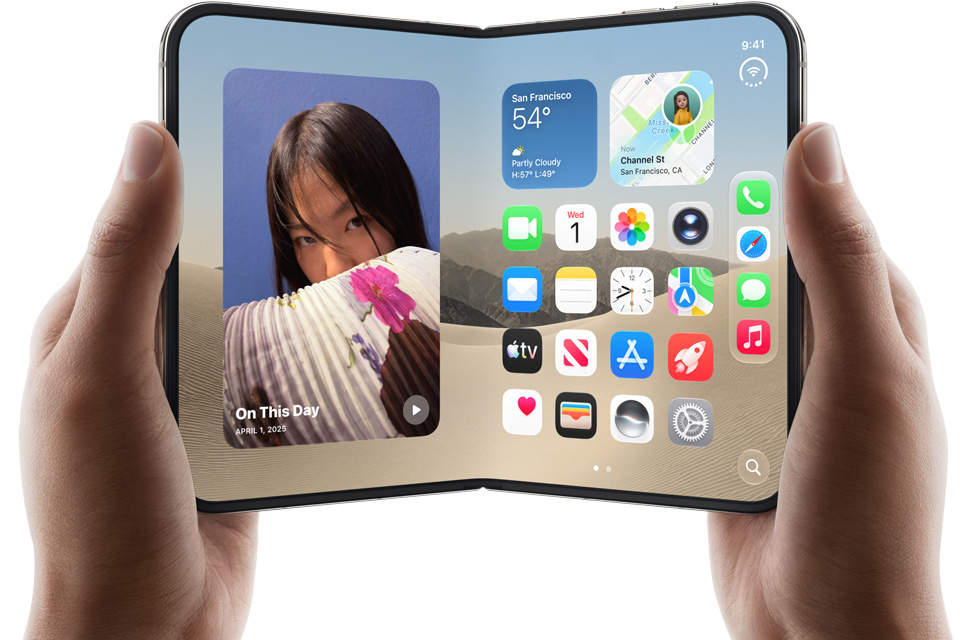
iPhone Duo · 7.6″ inner · 5.4″ outer display
Your phone becomes a face-to-face interpreter. Scroll to unfold it and see both sides of the conversation.
TranslateCat fills the big inner display: their translation on top, your words below.
Tap Start conversation and just talk. Your English types in live and becomes Spanish.
The outer display faces the other person with big Spanish captions, typed in as you speak. When they reply, “Escuchando…” shows it's listening.
Both people see the whole conversation, in their own language, at the same time.
Open your iPhone Duo and it becomes a two‑sided live interpreter. You read one screen. They read the other.
Scroll to follow the cat ↓
Passing a phone back and forth kills the conversation. Translation apps show text to only one person, and nobody remembers what was said afterwards.

Stand the Duo up like a tiny laptop on the café table. The inner display faces you with the full conversation. The outer display faces them with big, live captions in their language, flipped the right way up.

Streaming recognition translates while you're still talking.
Hears English or Spanish and picks the direction on its own.
Big serif captions for the other person, shown with the outer camera live.
Somewhere quiet? Type as “Me” or “Them” and translate instantly.
Every chat is saved with AI‑written notes and your own memo.
On‑device Apple Intelligence chat for phrases and plans, read aloud.
TranslateCat for iPhone Duo. Conversations without borders.